Save now, find it later
All your linksin one place
Links you mean to come back to end up scattered — a cart here, a bookmark there, a message to yourself. A few days later, nobody remembers where. Keep them in one place and you stop hunting.

Ionic Hair Dryer, High-Speed
amazon.com

Classic Clog Sandals, Black
zappos.com

Tweed Jacket, 3 colors
ssense.com

Dried Cranberries, 300g
iherb.com
into one place
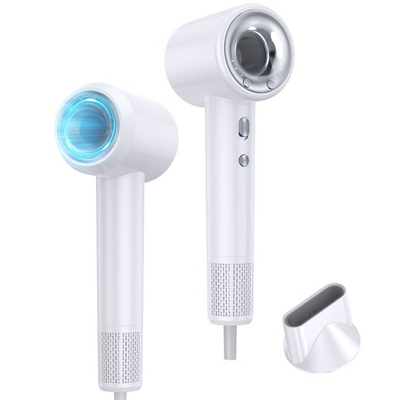
Ionic Hair Dryer, High-Speed
amazon.com
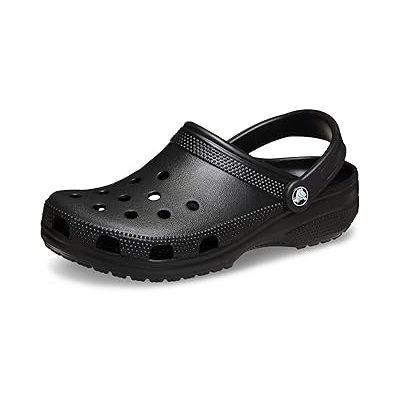
Classic Clog Sandals, Black
zappos.com
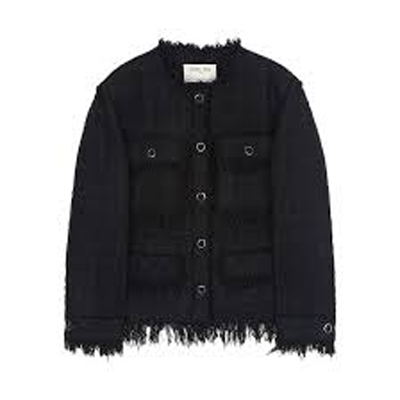
Tweed Jacket, 3 colors
ssense.com
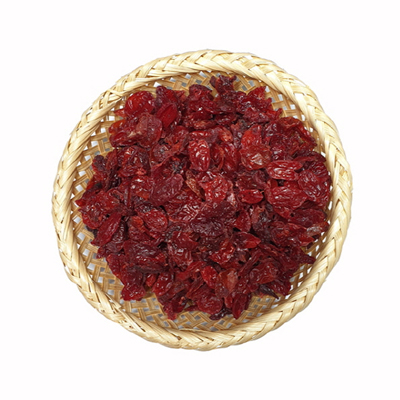
Dried Cranberries, 300g
iherb.com
How it works
- 1
Copy the link
Copy the address of any page you want to come back to. Any site works.
- 2
Paste it
Paste it into MemoryList and the title and photo come along. Saving with the Chrome extension, or from an app's share button, is more reliable.
- 3
Find it again
When you're ready, open the list and go straight back to it.
What this is
No folders. No tags.
It doesn't matter if you're not going back to it today. Nothing to sort, nothing to file. Saving takes no thought at all.
Not just a pile of links
The title and photo stay with it, so you can tell what it was. Works the same whether it's a shop or a blog post.
Any site
Shops, blogs, news, videos. If it has an address, it goes in.
Faster ways to save
One click with the Chrome extension
Install it from the Chrome Web Store and save the page you're on with one click, right from the toolbar. It reads the page you're looking at, so the title and photo come through most reliably.
Get the extensionFrom the share button
Install this site as an app from the Chrome menu, and MemoryList shows up in the share sheet of your other apps. One tap and it's saved.
Set it up on your phoneCopy and paste the link
Copy the address and paste it into MemoryList. If the title comes along with the copy, it's saved too. Share sheet support is in the works.
Set it up on your phoneStop hunting for where you saved it
Start with whatever is sitting in your bookmarks right now.